BestSEOArticles Documentation
BestSEOArticles helps you go from brand context to published SEO content in one workflow. This documentation covers every major product area: project setup, editorial policy, outline generation, article generation, exports, Autopilot, account settings, and billing.
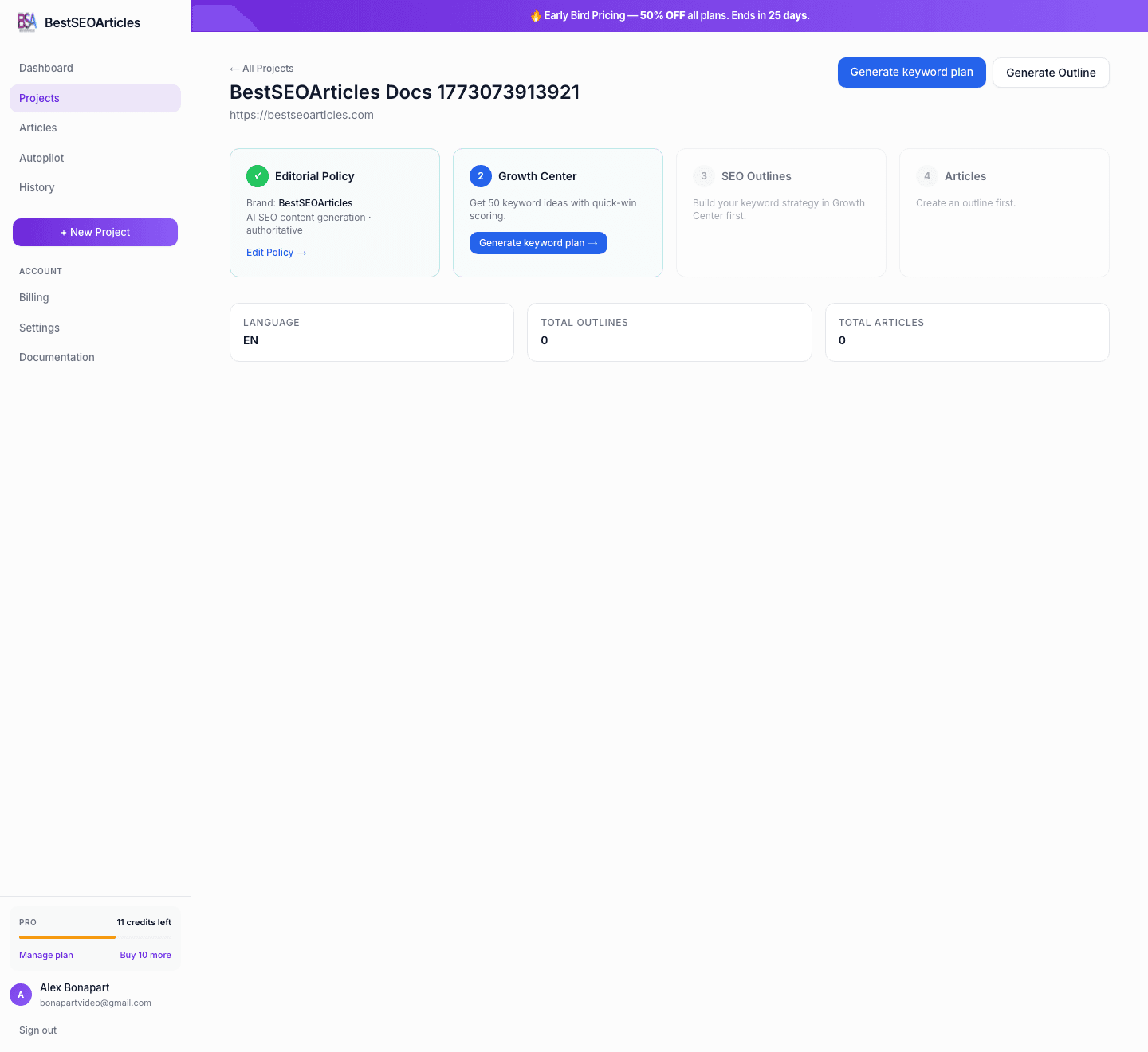
- 1. Create a project for your site, brand, or keyword.
- 2. Save an editorial policy so every article follows the same rules.
- 3. Generate an SEO outline from a keyword and competitor analysis.
- 4. Convert that outline into an article, review it in the editor, and export it.
- 5. Connect Autopilot if you want content published on a schedule.
The Product Workflow
The core workflow is simple: create a project, capture your brand rules, build an outline, generate an article, review it, and then export or publish it. If you want to scale that process, Autopilot lets you connect a publishing platform and run a scheduled content engine.
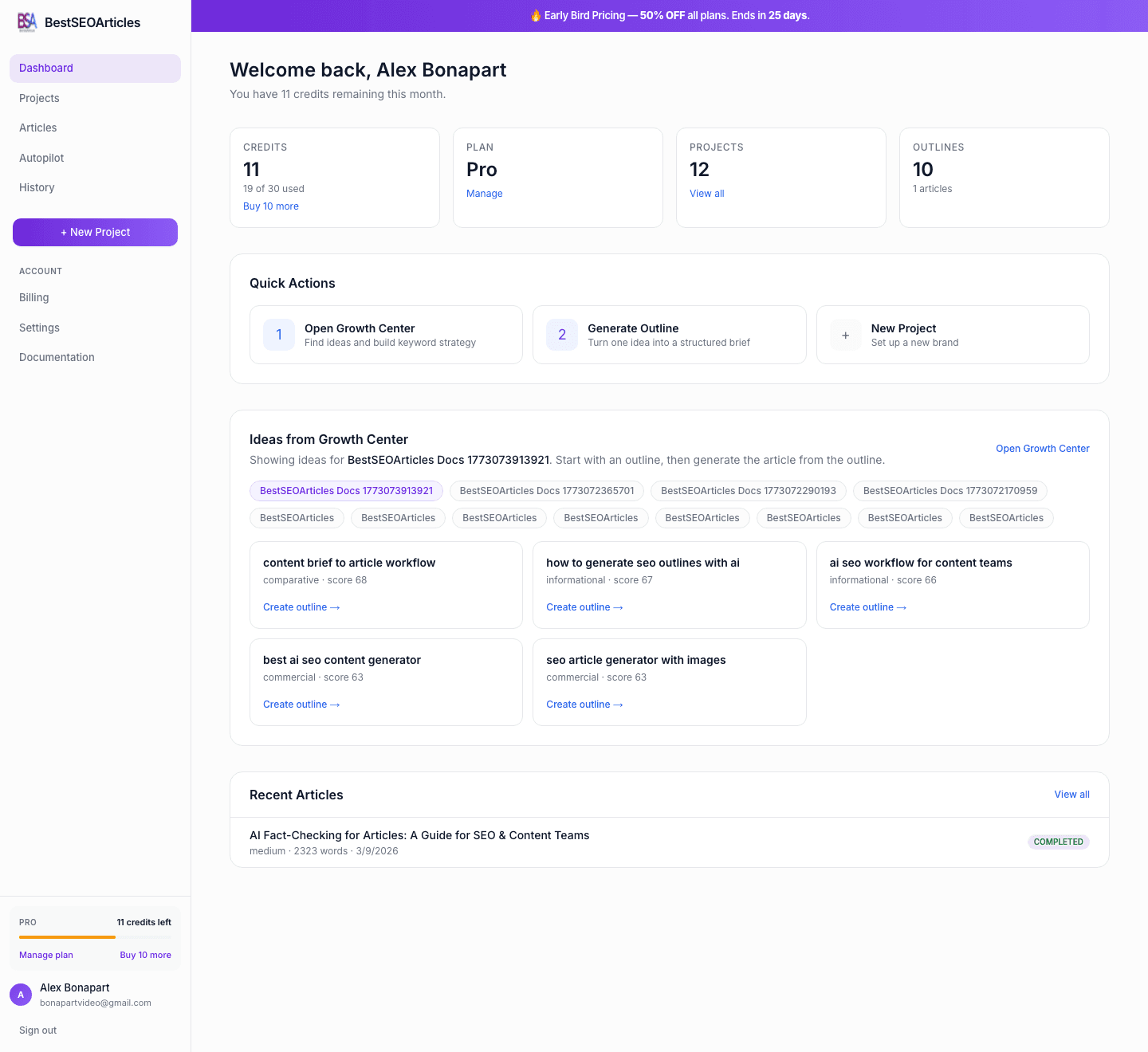
What You Can Do in BestSEOArticles
- Create projects for websites, brands, or seed keywords.
- Auto-analyze a website to prefill brand context, audience, and competitor inputs.
- Store an editorial policy with voice, structure, restrictions, and reusable variables.
- Generate outlines with competitor insights, section plans, keyword support, and FAQs.
- Generate articles with optional policy usage, brand promotion, and configurable linking.
- Edit and export content in HTML, Markdown, DOCX, JSON, and copy-ready formats.
- Run Autopilot to publish to WordPress, Ghost, Webflow, Shopify, Medium, or a webhook.
Quick Start in 5 Steps
- Go to Creating a Project and set up your first workspace.
- Review Editorial Policy so the AI writes in your preferred style.
- Build an outline using the flow in Generating Outlines.
- Convert the outline into an article via Generating Articles.
- Finish by following Exporting Content or Autopilot.
Documentation Map
| Section | What it covers |
|---|---|
| Creating a Project | Auto mode, manual mode, keyword mode, and the initial project dashboard. |
| Editorial Policy | How to define tone, audience, structure, quality standards, and custom variables. |
| Generating Outlines | The 3-step outline wizard, competitor configuration, and preview output. |
| Generating Articles | Article config, generation progress, article editor, and articles list. |
| Exporting Content | Export formats, clipboard actions, Google Docs workflow, and image downloads. |
| Autopilot | Scheduling, access requirements, platform support, and operational overview. |
| Publishing Connections | Connection setup fields and per-platform instructions. |
| Settings & Account | Profile, language, and account controls. |
| Billing & Credits | Plans, credits, top-ups, and subscription management. |
Credits at a Glance
In the core product flow, 1 outline = 1 credit and 1 article = 1 credit. Exports and editing are free. Billing details, plan differences, and top-up packs are documented in Billing & Credits.
Next Step
Start with Creating a Project if you are new to the product, or jump straight to any section from the left sidebar if you are documenting a specific workflow.